Controls for Steal Eggs From Tsunami
WASD, E steal, I/O zoom, and how the same actions feel on mobile and console.
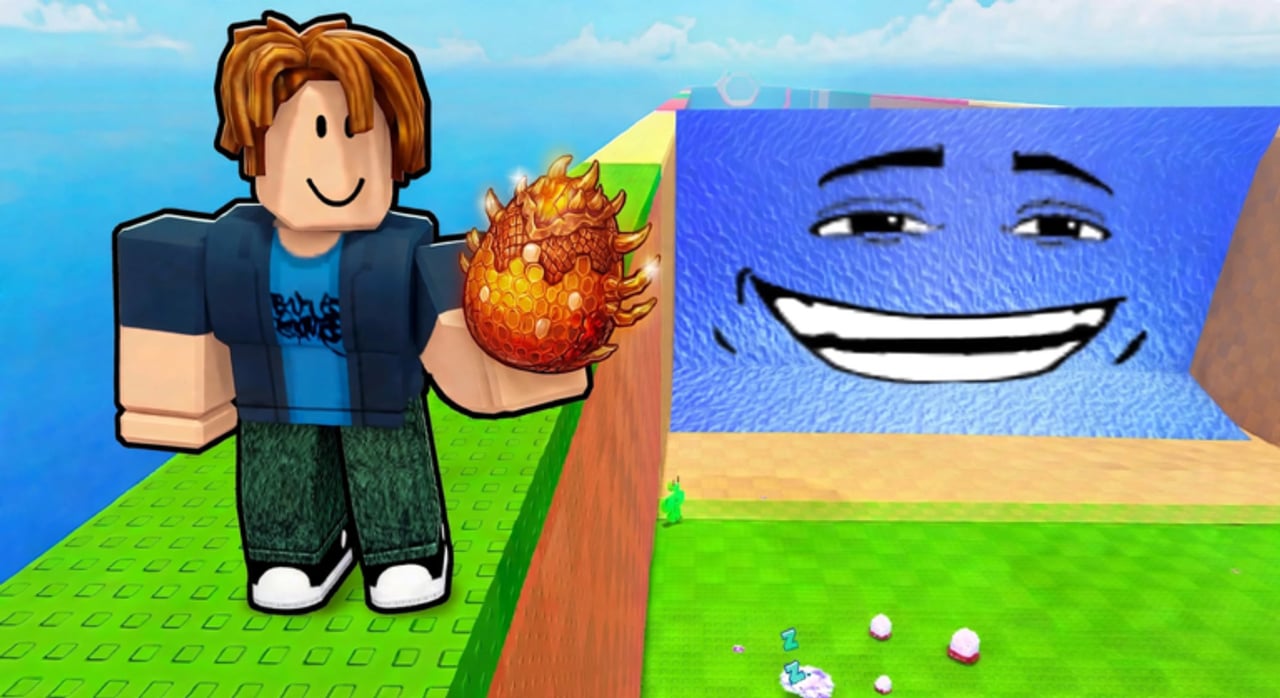
Clean inputs win more eggs than raw panic sprinting. Steal Eggs From Tsunami is a Roblox experience (Everybody Gotta Eat, place 99838015219458), so defaults follow familiar Roblox patterns with a few wiki-critical binds: steal/interact, camera zoom, and the habit of facing home before you press the steal key. Use this page with How to Steal Eggs for timing and Getting Started for the first-hour loop.
PC controls (primary)
| Action | Default |
|---|---|
| Move | WASD |
| Jump | Space |
| Steal / interact | E |
| Zoom in | I |
| Zoom out | O |
Movement. Hold a straight line toward the Safe Zone the instant RUN!! appears. Strafing is fine to avoid players; weaving for no reason costs distance on Fast and Lightning waves.
Jump. Use Space to clear props and short ledges. On flat Desert or Cosmic stretches, excessive jumping slows you. Jump with intent.
Steal / interact (E). Walk into the egg or pen prompt until E appears, press once, confirm the steal, then sprint. Mashing E while already carrying does nothing useful. The same key interacts with hatch prompts at your base pen, shop prompts, and other world interactions.
Zoom (I / O). Zoom out with O before a deep steal so you can see the tsunami earlier. Zoom in with I when you need precise nest alignment or pen management. Many players leave the camera slightly pulled out during carries.
Roblox also supports mouse look and Shift-lock depending on your settings. If your character will not turn smoothly, check Roblox escape-menu movement options before blaming the game.
Mobile notes
On touch devices you get on-screen thumbsticks and contextual buttons instead of WASD/E.
- Move with the left stick; camera with the right drag area.
- When an egg or hatch prompt is available, tap the on-screen interact / steal button (same role as E).
- Jump remains a dedicated button—use it sparingly on long flat returns.
- Pinch or use any in-experience zoom affordances if available; otherwise rely on default camera distance and practice wave reads from audio/UI (RUN!! banner).
Mobile disadvantage is precision near contested nests on seven-player servers. Approach nests with a clear lane and do not start a steal while the stick is still drifting sideways.
Console notes
Controller layouts follow Roblox defaults for the platform:
- Left stick move, face buttons for jump / interact (confirm in the Roblox controls overlay for your device).
- Right stick camera—practice keeping the Safe Zone direction centered before stealing.
- Use the interact face button the same way PC uses E: one clean press, then full sprint.
If steal feels unresponsive, stand closer to the egg until the prompt lights up. Console players especially benefit from pre-aiming the exit path because stick turning mid-panic is slower than mouse flicks.
UI buttons you will use constantly
Besides movement, the Safe Zone UI drives progression:
- Trail Shop — buy and equip trails (Trails).
- Treadmill — hold or run to gain speed; upgrade signs nearby ($15K, then $250K / 79 Robux).
- Pen upgrades — expand slots ($50K for nine slots, then $300K).
- Pet Index — claim cash/speed for new discoveries (Pets and Eggs).
- Sell / Fuse (when available) — clear weak duplicates so slots stay valuable.
Learn where these sit on your screen so you never open the wrong panel during RUN!!. Opening shop UI mid-carry is a classic way to eat a tsunami.
Control habits that raise clear rates
- Face the Safe Zone before pressing steal.
- Zoom out slightly on Snow (Wonky Wave) and Volcano (Lightning) so you see the wall earlier.
- Bind muscle memory: steal → sprint → hatch → index claim → train.
- On busy servers, tap interact only when you are sure you own the prompt—mis-taps near rival pens waste the window.
- After a knockback, do not spam jump; reorient with camera, locate the dropped egg, interact once, resume.
Accessibility and settings tips
- Lower graphic quality if tsunami effects tank your frame rate on deep zones—smooth movement beats pretty lava.
- Increase camera sensitivity if turning toward home feels sluggish.
- Mute non-essential sounds if you rely on the RUN!! visual; keep enough audio to hear urgent cues if you prefer sound tells.
- Occasional free x1.5 join boost (~10 minutes) does not change binds—it only multiplies training. Equip a trail first (Trails).
Practice drill (five minutes)
- Steal a Forest egg with E, return, hatch.
- Zoom out with O, steal another, return.
- Zoom in with I at the pen, arrange pets.
- Run the treadmill for one short set.
- Repeat once at Lake when your speed nears ~1,500.
When the drill feels automatic, push Desert and read Zones for the rest of the ladder. Controls will not carry a 1.2B Candyland run alone—but bad controls will drop a perfect Abyss Ocean egg at the Safe Zone line.
Return here whenever a friend joins on a new device. Send them Getting Started for economy and this page for fingers.
Frequently Asked Questions
Quick answers for speed, eggs, trails, and tsunami runs.
What are the PC controls for Steal Eggs From Tsunami?
WASD to move, Space to jump, E to steal or interact, I to zoom in, and O to zoom out. Hatch and shop prompts also use the interact key.
How do I steal on mobile?
Move with the on-screen stick and tap the interact/steal button when the egg prompt appears. Face your Safe Zone before tapping so the sprint path is already aligned.
Why should I zoom out while carrying an egg?
Zooming out with O helps you see the tsunami and path obstacles earlier, especially in Wonky Wave and Lightning zones. Zoom in with I for precise pen or nest alignment.
Do console players use a different steal button?
Consoles use the Roblox interact face button instead of E. Check your platform overlay, stand close enough for the prompt, then sprint immediately after the steal.
Can I change keybinds?
Use Roblox's own settings and any in-experience options available. If steal feels wrong, confirm you are in range of the prompt before remapping everything.